Three files are given to us, an ELF, libc.so.6 and a makefile.
$ file heapedit
heapedit: ELF 64-bit LSB executable, x86-64, version 1 (SYSV), dynamically linked, interpreter /lib64/ld-linux-x86-64.so.2, for GNU/Linux
3.2.0, BuildID[sha1]=6967c296c25feb50c480b4edb5c56c234bb30392, not stripped
Run checksec.
$ checksec heapedit
[*] '/home/hwkim301/picoctf/cache_me_outside/heapedit'
    Arch:       amd64-64-little
    RELRO:      Partial RELRO
    Stack:      Canary found
    NX:         NX enabled
    PIE:        No PIE (0x400000)
    RUNPATH:    b'./'
    Stripped:   No
Let’s do the same thing for libc.so.6.
$ file libc.so.6
libc.so.6: ELF 64-bit LSB shared object, x86-64, version 1 (GNU/Linux), dynamically linked, interpreter /lib64/ld-linux-x86-64.so.2, BuildID[sha1]=d3cf764b2f97ac3efe366ddd07ad902fb6928fd7, for GNU/Linux 3.2.0, stripped
$ checksec libc.so.6
[*] '/home/hwkim301/picoctf/cache_me_outside/libc.so.6'
    Arch:       amd64-64-little
    RELRO:      Partial RELRO
    Stack:      Canary found
    NX:         NX enabled
    PIE:        PIE enabled
Okay, but what exactly is libc.so.6?
I mentioned what shared libraries for when briefly explaining dynamic linking.
Here’s an excerpt from the man page of libc.
The pathname /lib/libc.so.6 (or something similar) is normally a symbolic link that points to the location of  the  glibc  library,
       and executing this pathname will cause glibc to display various information about the version installed on your system.
Read the man page for to get a general understanding.
So it’s a symbolic link of the glibc library.
You can use gcc -print-file-name to find the actual path of the glibc library code.
$ gcc -print-file-name=libc.so.6
/usr/lib/gcc/x86_64-linux-gnu/13/../../../x86_64-linux-gnu/libc.so.6
Here’s an explanation on why the filename ends with a 6.
A makefile is used to run gcc commands, they are normally used when you need to pass a lot of flags.
$ cat Makefile.share
all:
	gcc -Xlinker -rpath=./ -Wall -m64 -pedantic -no-pie --std=gnu99 -o heapedit heapedit.c

clean:
	rm heapedit
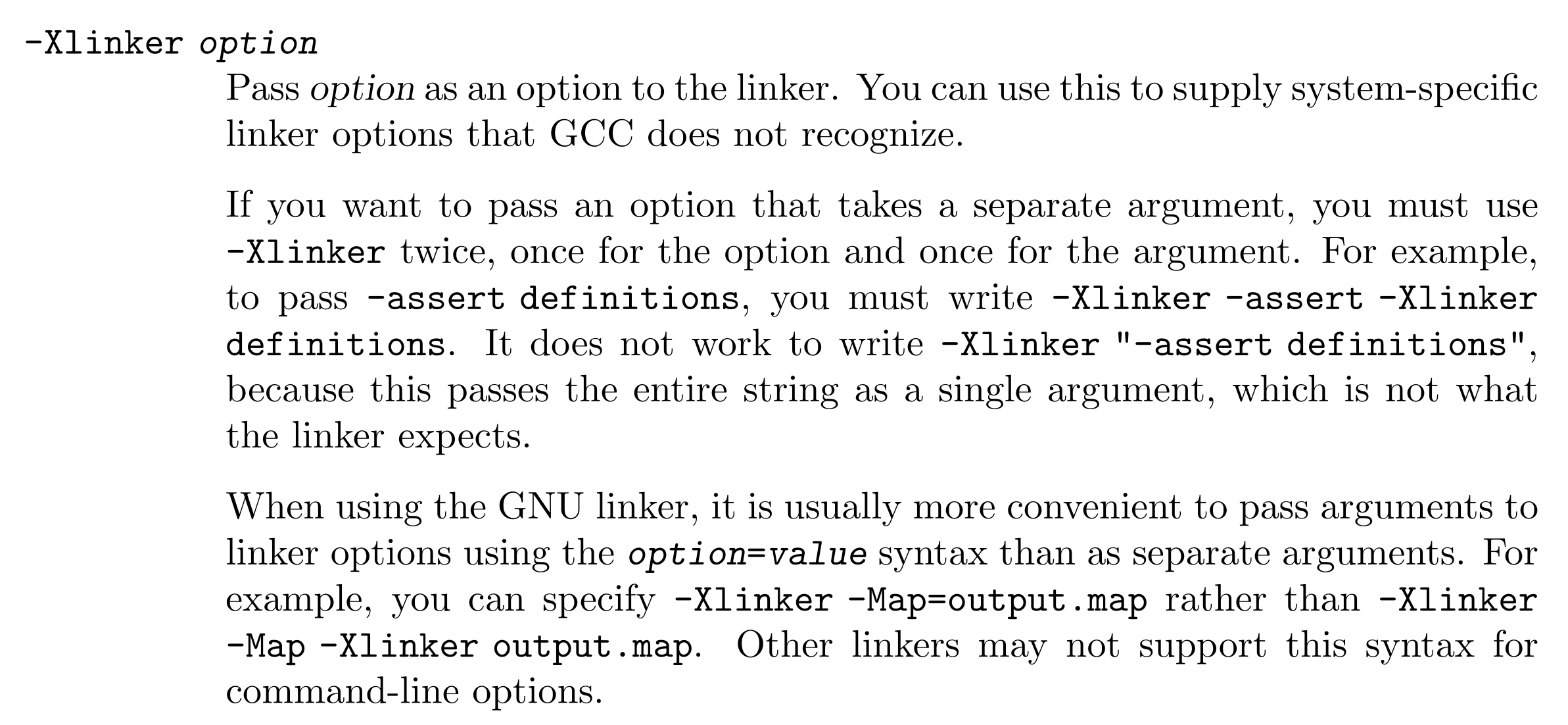
The -Xlink flag is from the ld manual.
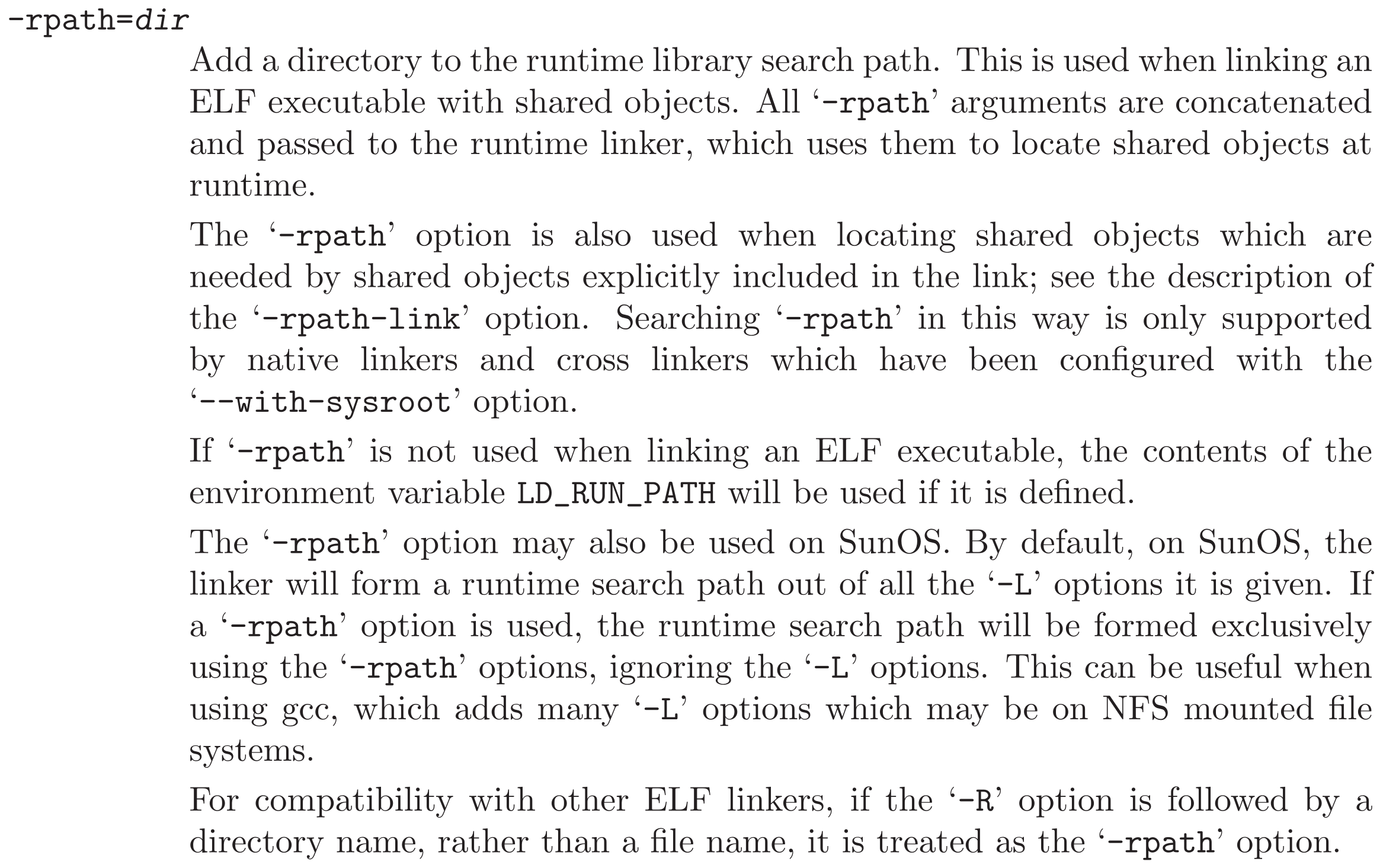


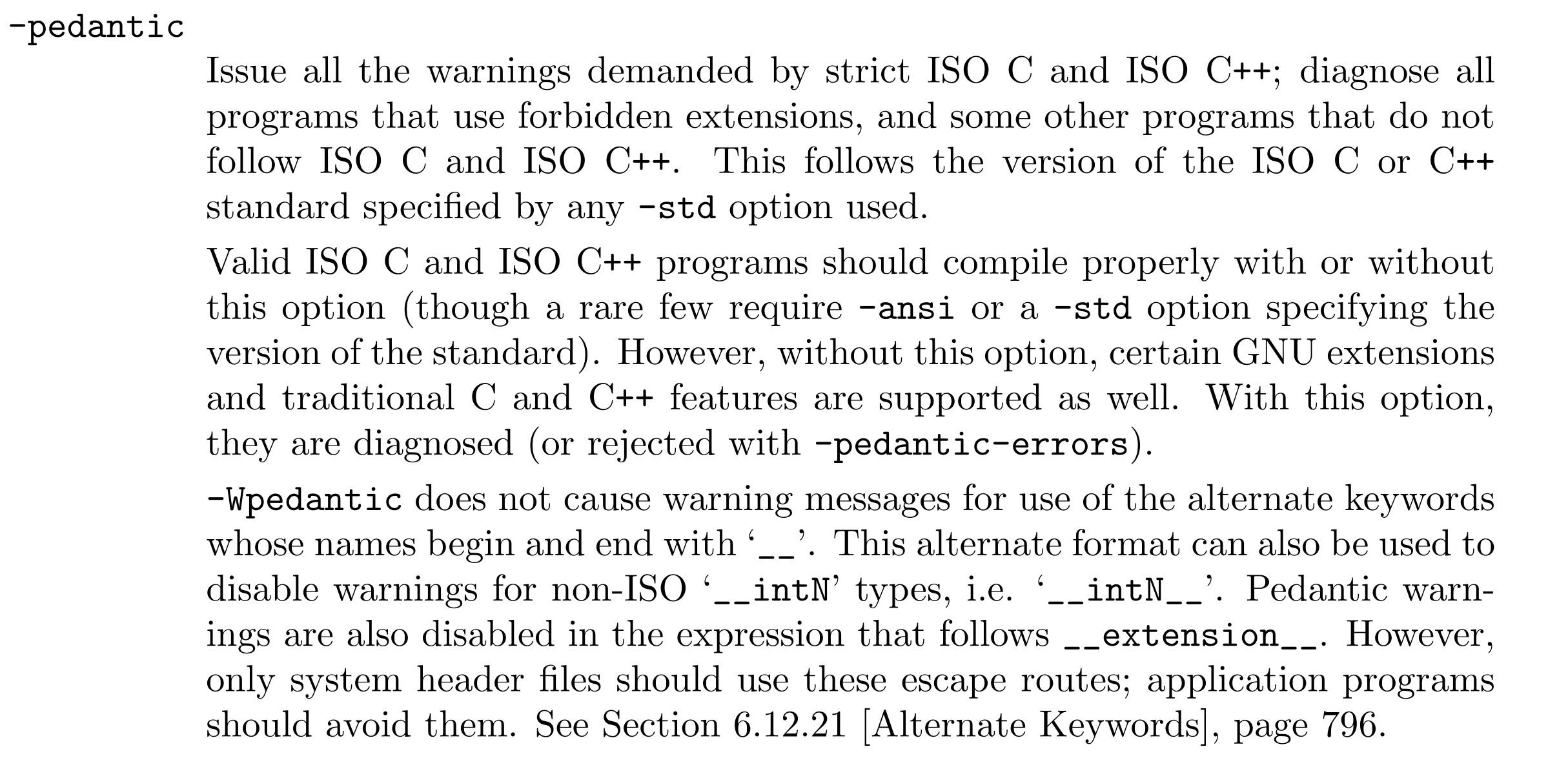

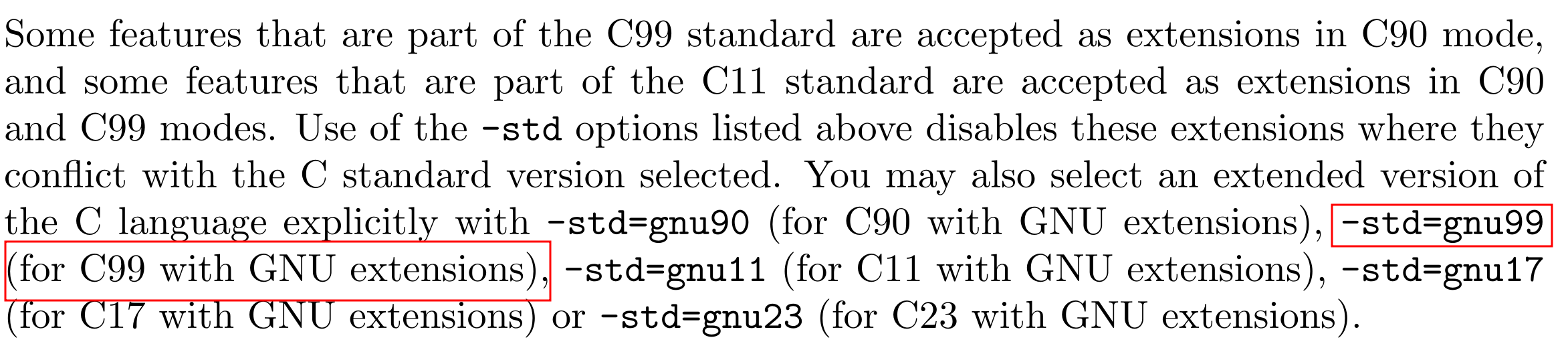
Although, we don’t have the c code by inspecting the makefile we can guess what gcc flags were passed to build the binary.
Let’s try running the program.
The linker seems to complain about some inconsistency.
$ ./heapedit
Inconsistency detected by ld.so: dl-call-libc-early-init.c: 37: _dl_call_libc_early_init: Assertion `sym != NULL' failed!
Heap problems depend on glibc version.
My PC which is an Ubuntu 24.04.04 LTS is shipped with glibc 2.39.
$ ldd --version
ldd (Ubuntu GLIBC 2.39-0ubuntu8.7) 2.39
Copyright (C) 2024 Free Software Foundation, Inc.
This is free software; see the source for copying conditions.  There is NO
warranty; not even for MERCHANTABILITY or FITNESS FOR A PARTICULAR PURPOSE.
Written by Roland McGrath and Ulrich Drepper.
If you run the binary, the dynamic linker will complain
$ ./heapedit
Inconsistency detected by ld.so: dl-call-libc-early-init.c: 37: _dl_call_libc_early_init: Assertion `sym != NULL' failed!
dl-call-libc-early-init.c looks like this.
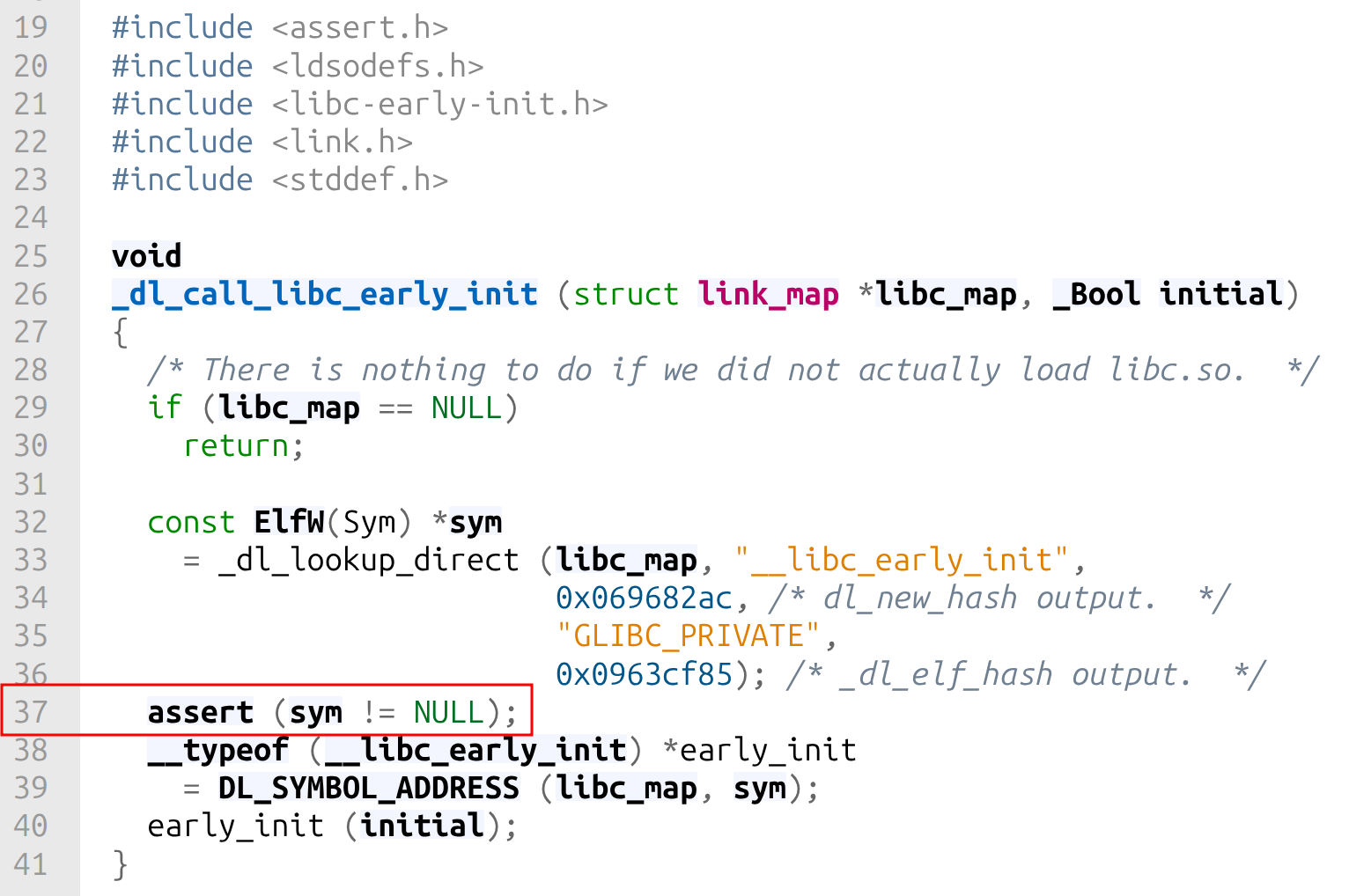
The code looks very intimidating, but what we know is that it triggered the assert statement, because sym wasn’t equal to NULL.
Honestly, I don’t exactly know why I couldn’t execute the binary.
For now, I’ll have to compromise and move along.
What we do know is that since, libc.so.6 was a symlink to the glibc library, we can figure out which version of glibc it uses.
It looks like it uses glibc.2.27.
$ strings libc.so.6 | grep libc | tail -n 7
libc-2.27.so
__libc_freeres_fn
__libc_thread_freeres_fn
__libc_subfreeres
__libc_atexit
__libc_thread_subfreeres
__libc_IO_vtables
glibc wiki tell’s us that glibc 2.27 came out in February 2018.
So it’s not a very recent glibc version.
Since my pc uses glibc 2.39 and the picoctf challenge uses glibc 2.27, we’ll need to patch the program to use glibc 2.27 instead of glibc 2.39.
Download pwninit.
Due to the fact pwninit uses rust it’s kind of hard to install the dependencies without having trouble in the first place.
First, I had to ran this rustup update stable because of this Cargo feature called edition2024.
Then had trouble with failed to run custom build command for rust-lzma v0.5.1.
Running the following command helped.
sudo apt install liblzma-dev
Don’t forget to install patchelf before installing pwninit.
Reinstalling it will probably finally let you install pwninit.
Running pwninit didn’t work because it wasn’t in the environment path.
I made a symbolic link so that I can run it anywhere.
sudo ln -s ~/.cargo/bin/pwninit /usr/local/bin/pwinit
Now run pwninit in the directory with the picoCTF challenge.
$ pwninit
bin: ./heapedit
libc: ./libc.so.6

fetching linker
https://launchpad.net/ubuntu/+archive/primary/+files//libc6_2.27-3ubuntu1.2_amd64.deb
Found matching file: ./lib/x86_64-linux-gnu/ld-2.27.so
unstripping libc
https://launchpad.net/ubuntu/+archive/primary/+files//libc6-dbg_2.27-3ubuntu1.2_amd64.deb
Found matching file: ./usr/lib/debug/lib/x86_64-linux-gnu/libc-2.27.so
warning: failed unstripping libc: failed running eu-unstrip, please install elfutils: No such file or directory (os error 2)
setting ./ld-2.27.so executable
copying ./heapedit to ./heapedit_patched
running patchelf on ./heapedit_patched
writing solve.py stub
You will now get a couple of new files, heapedit_patched, ld.so and solve.py.
Remove the original heapedit binary rename heapedit_pached to heapedit and make an empty flag.txt file.
If you don’t make flag.txt, the program will get a segmentation fault.
At last, with all that we can finally execute the binary.
$ ./heapedit
You may edit one byte in the program.
Address: 0x1234
Value: t help you: this is a random string.
Let’s load the binary to ghidra.
Here’s the disassembly of main.
undefined8 main(void)
{
  long in_FS_OFFSET;
  char local_a9;
  int local_a8;
  int local_a4;
  char *local_a0;
  char *local_98;
  FILE *local_90;
  char *local_88;
  void *local_80;
  char local_78 [32];
  char local_58 [72];
  long local_10;

  local_10 = *(long *)(in_FS_OFFSET + 0x28);
  setbuf(stdout,(char *)0x0);
  local_90 = fopen("flag.txt","r");
  fgets(local_58,0x40,local_90);
  builtin_strncpy(local_78,"this is a random string.",0x19);
  local_a0 = (char *)0x0;
  for (local_a4 = 0; local_a4 < 7; local_a4 = local_a4 + 1) {
    local_98 = malloc(0x80);
    if (local_a0 == (char *)0x0) {
      local_a0 = local_98;
    }
    builtin_strncpy(local_98,"Congrats! Your flag is: ",0x19);
    strcat(local_98,local_58);
  }
  local_88 = malloc(0x80);
  builtin_strncpy(local_88,"Sorry! This won\'t help you: ",0x1d);
  strcat(local_88,local_78);
  free(local_98);
  free(local_88);
  local_a8 = 0;
  local_a9 = '\0';
  puts("You may edit one byte in the program.");
  printf("Address: ");
  __isoc99_scanf(&DAT_00400b48,&local_a8);
  printf("Value: ");
  __isoc99_scanf(&DAT_00400b53,&local_a9);
  local_a0[local_a8] = local_a9;
  local_80 = malloc(0x80);
  puts((char *)((long)local_80 + 0x10));
  if (local_10 != *(long *)(in_FS_OFFSET + 0x28)) {
                      /* WARNING: Subroutine does not return */
    __stack_chk_fail();
  }
  return 0;
}
I changed the variable names, because unlike previous problems it was impossible to read the pseudocode.
You can press the l key to rename variables.
undefined8 main(void)
{
  long in_FS_OFFSET;
  char local_a9;
  int user_offset;
  int i;
  char *first_chunk_ptr;
  char *temp_malloc_ptr;
  FILE *local_90;
  char *dummy_chunk_ptr;
  void *target_chunk_ptr;
  char local_78 [32];
  char flag [72];
  long local_10;

  local_10 = *(long *)(in_FS_OFFSET + 0x28);
  setbuf(stdout,(char *)0x0);
  local_90 = fopen("flag.txt","r");
  fgets(flag,0x40,local_90);
  builtin_strncpy(local_78,"this is a random string.",0x19);
  first_chunk_ptr = (char *)0x0;
  for (i = 0; i < 7; i = i + 1) {
    temp_malloc_ptr = malloc(0x80);
    if (first_chunk_ptr == (char *)0x0) {
      first_chunk_ptr = temp_malloc_ptr;
    }
    builtin_strncpy(temp_malloc_ptr,"Congrats! Your flag is: ",0x19);
    strcat(temp_malloc_ptr,flag);
  }
  dummy_chunk_ptr = malloc(0x80);
  builtin_strncpy(dummy_chunk_ptr,"Sorry! This won\'t help you: ",0x1d);
  strcat(dummy_chunk_ptr,local_78);
  free(temp_malloc_ptr);
  free(dummy_chunk_ptr);
  user_offset = 0;
  local_a9 = '\0';
  puts("You may edit one byte in the program.");
  printf("Address: ");
  __isoc99_scanf(&DAT_00400b48,&user_offset);
  printf("Value: ");
  __isoc99_scanf(&DAT_00400b53,&local_a9);
  first_chunk_ptr[user_offset] = local_a9;
  target_chunk_ptr = malloc(0x80);
  puts((char *)((long)target_chunk_ptr + 0x10));
  if (local_10 != *(long *)(in_FS_OFFSET + 0x28)) {
                      /* WARNING: Subroutine does not return */
    __stack_chk_fail();
  }
  return 0;
}
At first, I didn’t even know that the program had a bug.
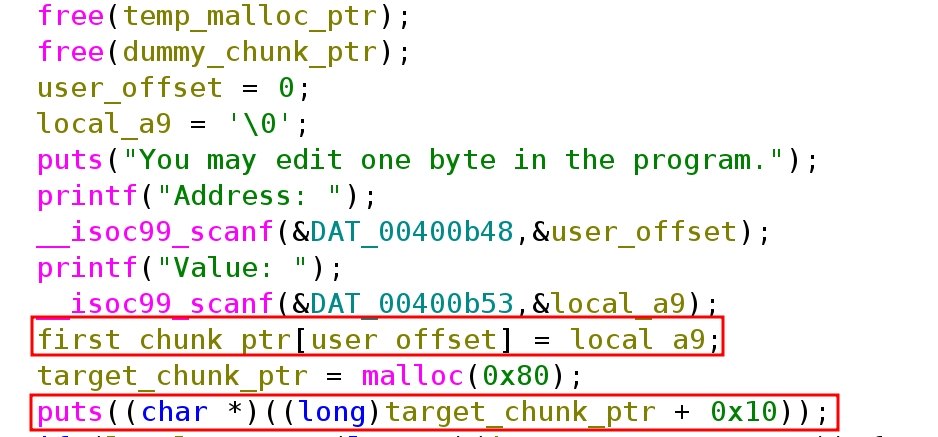
The program has a use-after-free bug.
Although, it frees temp_malloc_ptr and dummy_chunk_ptr it uses user_offset right here.
first_chunk_ptr[user_offset] = local_a9;
If we can pass a big enough value to user_offset we can overflow dummy_chunk_ptr.