Pawnyable is a series of kernel exploit challenges created by ptr-yudai.
For me, pawnyable seems like a kernel version of rop-emporium, which I enjoyed.
Frankly speaking, I don’t think there are any realistic beginner-friendly materials to study the linux kernel other than ctf challenges.
Therefore, although I’m not a ctfer, learning the linux kernel from ctf challenges sounds like a great idea.
Now first, let’s setup the kernel environment.
Once you download the file ptr-yudai provided, run the command below.
# mkdir root
# cd root; cpio -idv < ../rootfs.cpio
Make root and unpack all the files archived in rootfs.cpio into root.
Wait but what is cpio?
cpio short for copy in copy out is an file archiving program.
The file format’s extension is a .cpio.
The -i flag will take input from stdin and extract files from it.
The -d flag will make directories where needed.
As usual the -v flag is for verbose.
The cpio file format used by initramfs.
To be specific cpio uses the newc format.
Documentation on the newc format can be found here and here.
Now let’s move on to the next command.
# find . -print0 | cpio -o --format=newc --null > ../rootfs_updated.cpio
The first unknown flag is -print0.
Here’s an explanation on what it does.
TLDR, find -print0 allows you to use spaces or any kind of whitespaces in filenames.
stackoverflow has an explanation on why cpio is used over other archiving programs.
The reason why the kernel uses cpio is because, initramfs has do be unpacked during the kernel boot process.
The code for cpio unlike other programs is already included in the kernel code.
The --null flag lets filenames in the list to be delimited by null characters instead of newlines.
To summarize, we extracted the files from rootfs.cpio and made a new archive rootfs_updated.cpio.
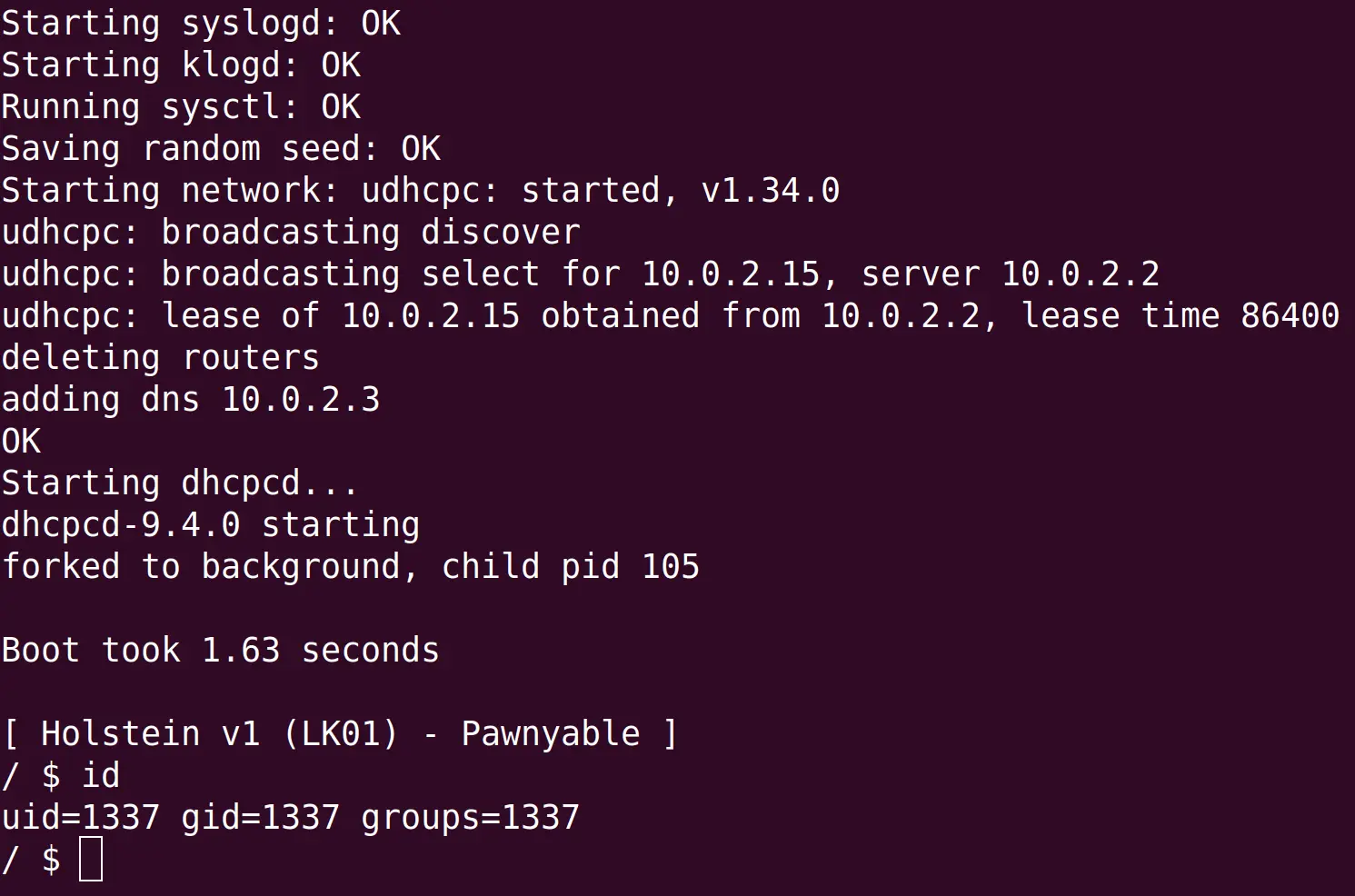
Now execute run.sh and you should be able to get a shell with the uid 1337.